Last year, I wrote about an app that I started using on my MacBook Pro called Sleeve, which is a now playing app for your desktop. A few days ago, the app was updated to version 2.0 and it’s a pretty substantial update.
The initial release of the app featured a fairly limited settings screen that the developers themselves admitted didn’t scale well. As of the latest update, the app features a robust settings pane, complete with search. In addition to the settings update, the two other big additions to me are custom themes (along with a file type to share them with friends) as well as global hotkeys. It’s this final feature that changed how I used the app.
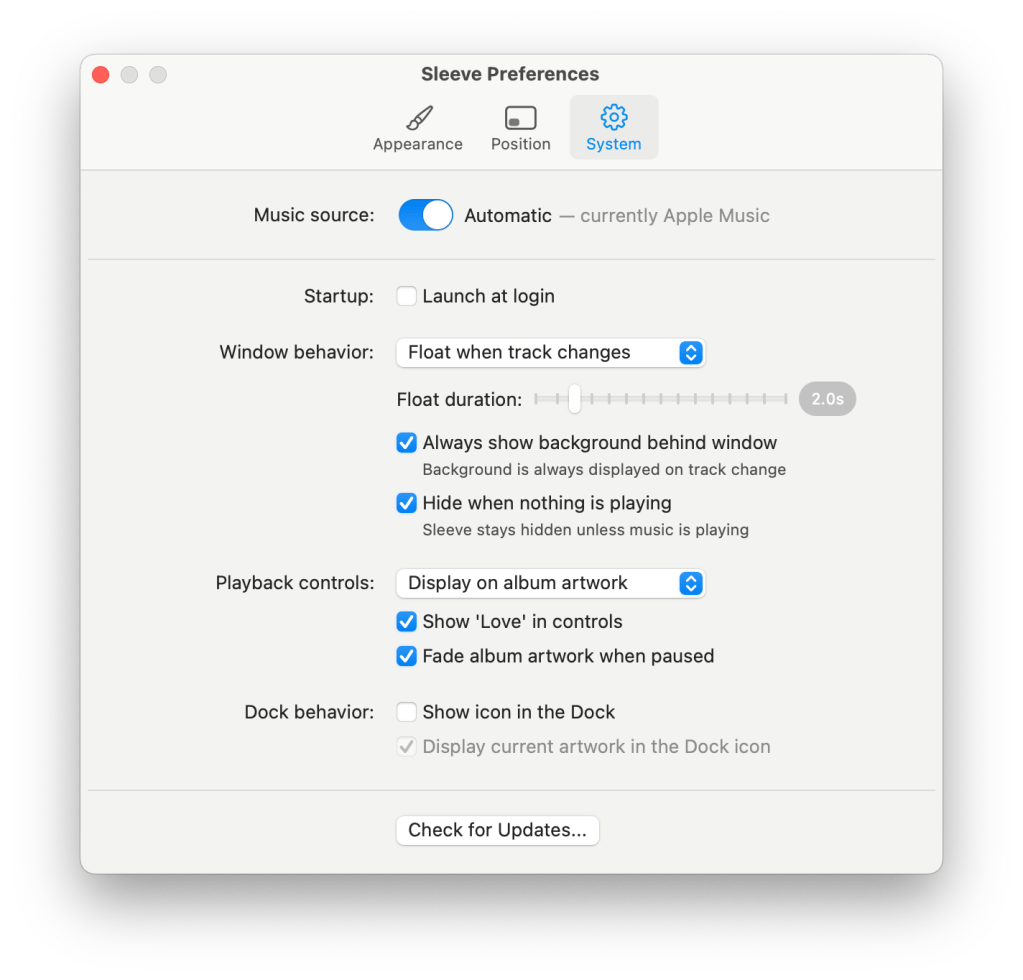
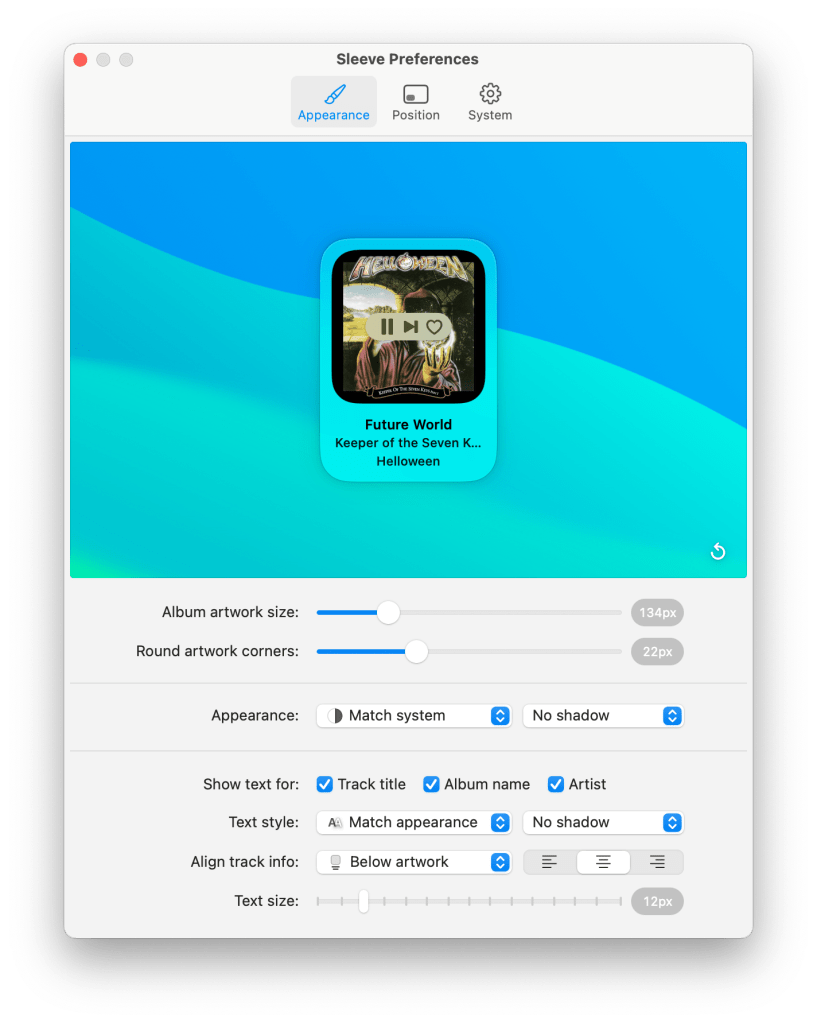
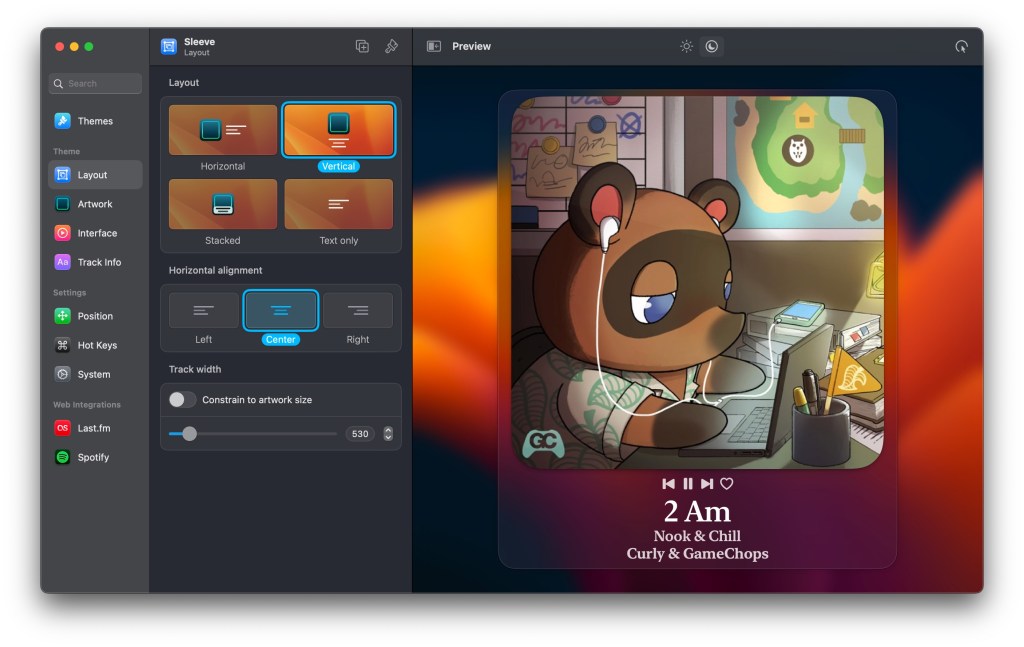
Previously, I had a fairly small window setup, that I kept docked on the bottom left corner of my screen that would pop up for a few seconds every time the track changed. I have this disabled now as I made my setup a bit bigger than it was before.
First off, I set up only two global hotkeys for the app:
- ⌃⌥⌘+F – Brings my Sleeve window to the front
- ⌃⌥⌘+L – Loves the currently playing track
That second hotkey is one that I am particularly excited about. I’ve been working on redoing my custom Touch Bar layout (with BetterTouchTool) and have been wanting to put a button on there that would let me like the currently playing track. Sadly, on macOS, there’s no way to do this natively via Shortcut. I say natively because you could do this via AppleScript running inside of a Shortcuts action, but I have no experience with AppleScript and with the arrival of Shortcuts for Mac my drive to try and learn it is gone (for the time being).
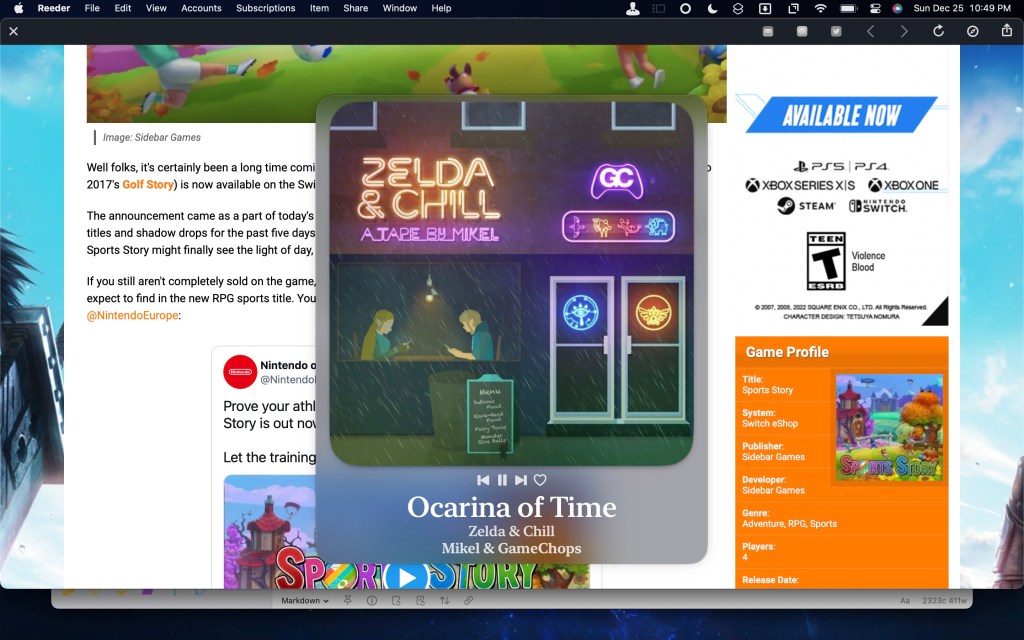
As for my layout, I went with something quite simple: extra large artwork with fairly large text right in the middle of my screen. I’ll attach a screenshot below, but if you’d like to take a look at specific text sizes, you can download the theme here. (I had to host the file through Google Drive because WordPress wasn’t letting me upload the file, but that’s something I’m going to look for a better solution for in the future.)
Finally, a change has been made to Sleeve‘s distribution. As always, the app is available to purchase directly from the developers for $5.99. If you prefer to get your apps from the Mac App Store, Sleeve is available there for the first time (though at a higher cost of $7.99).
Overall, I think the 2.0 update to Sleeve is pretty great so far and if you haven’t already checked it out, this is a Mac app that I highly recommend.
What do you think of the latest update to Sleeve? What themes have you made? Tell me in the comments!

 Dan Stransky